Create new project
Within loghub we define a project as any API or webapp that you need to record audit events, to start your first project, go to your dashboard and navigate to the “Projects” section -> “Start New Project”
Project Name
Select the name for your project: e.g. Acme API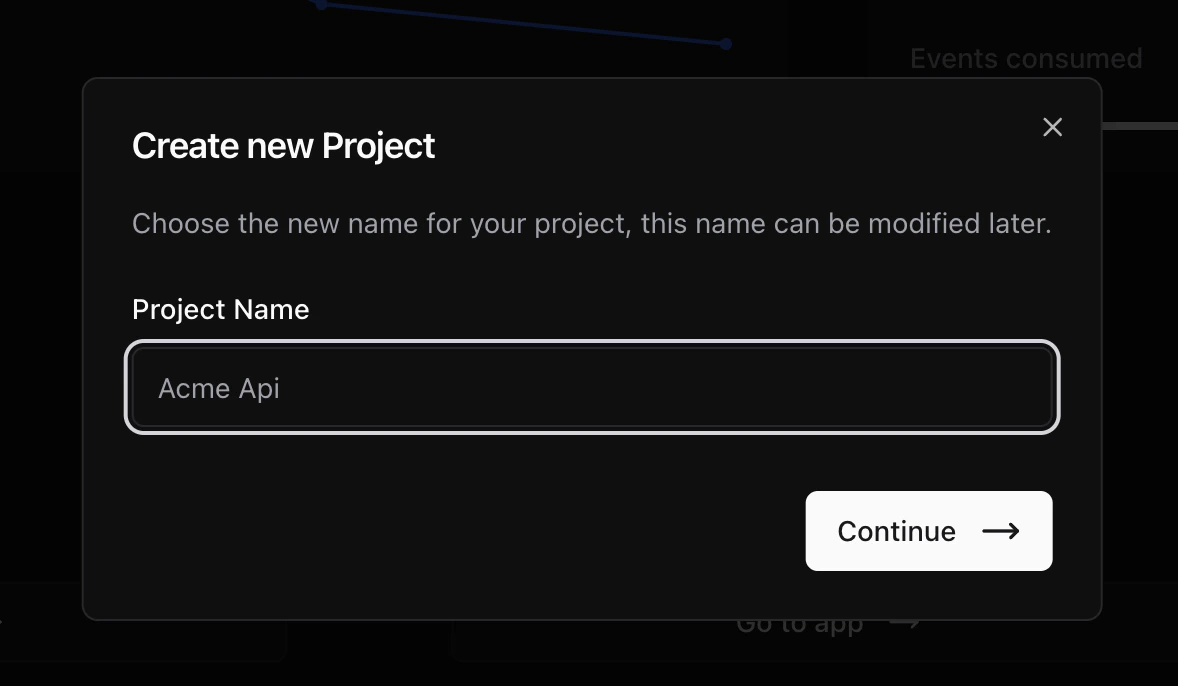
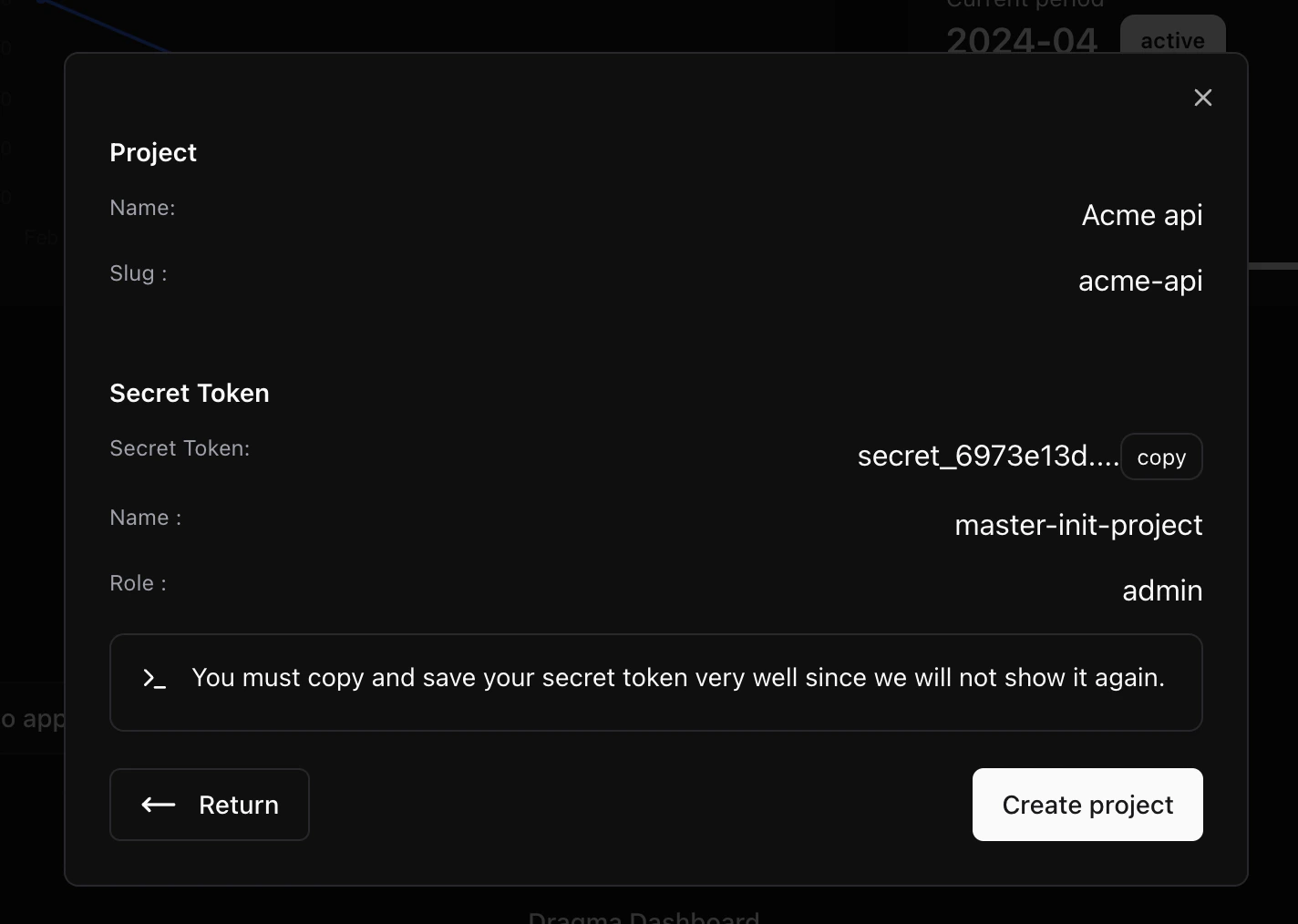
Project Resume
Here you will find the details of your new project. It’s important to copy the secret token to a secure location as it will not be displayed again within the application.