Create Organization
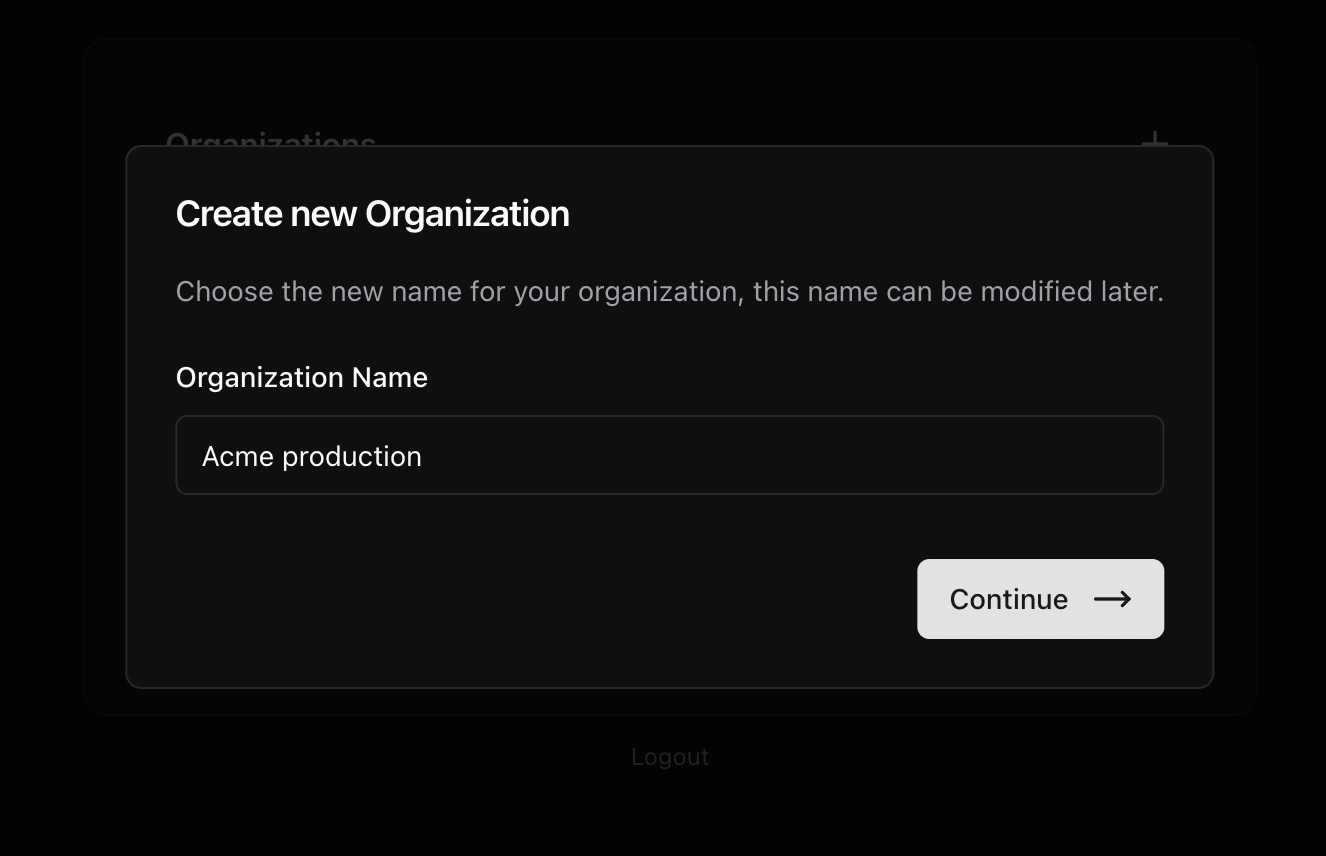
When you create your account for the first time, you will be able to view a list of organizations to which you belong or to which you have been invited to participate. In this case, you must create your first organization by clicking Add new organization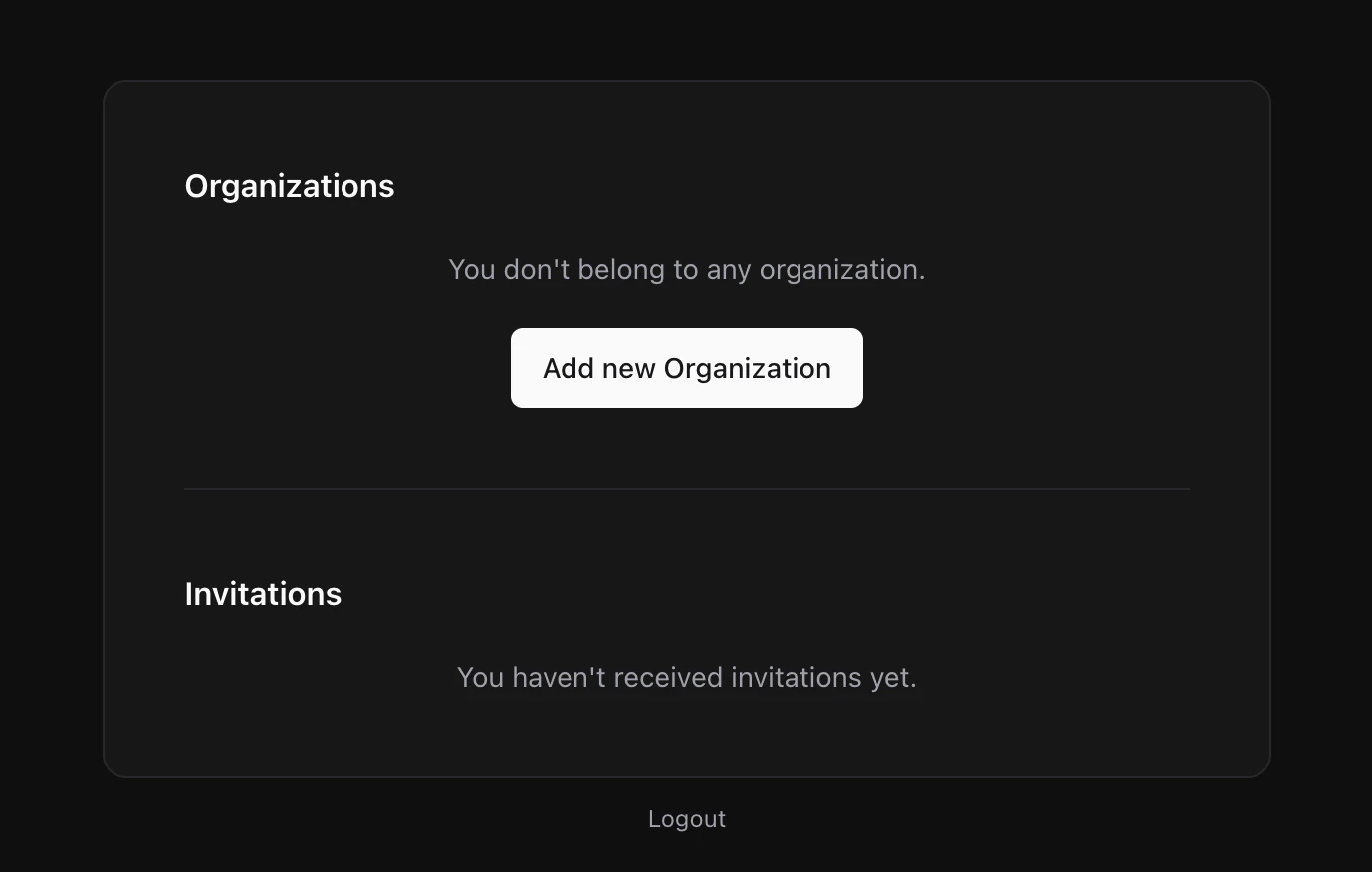
Stripe
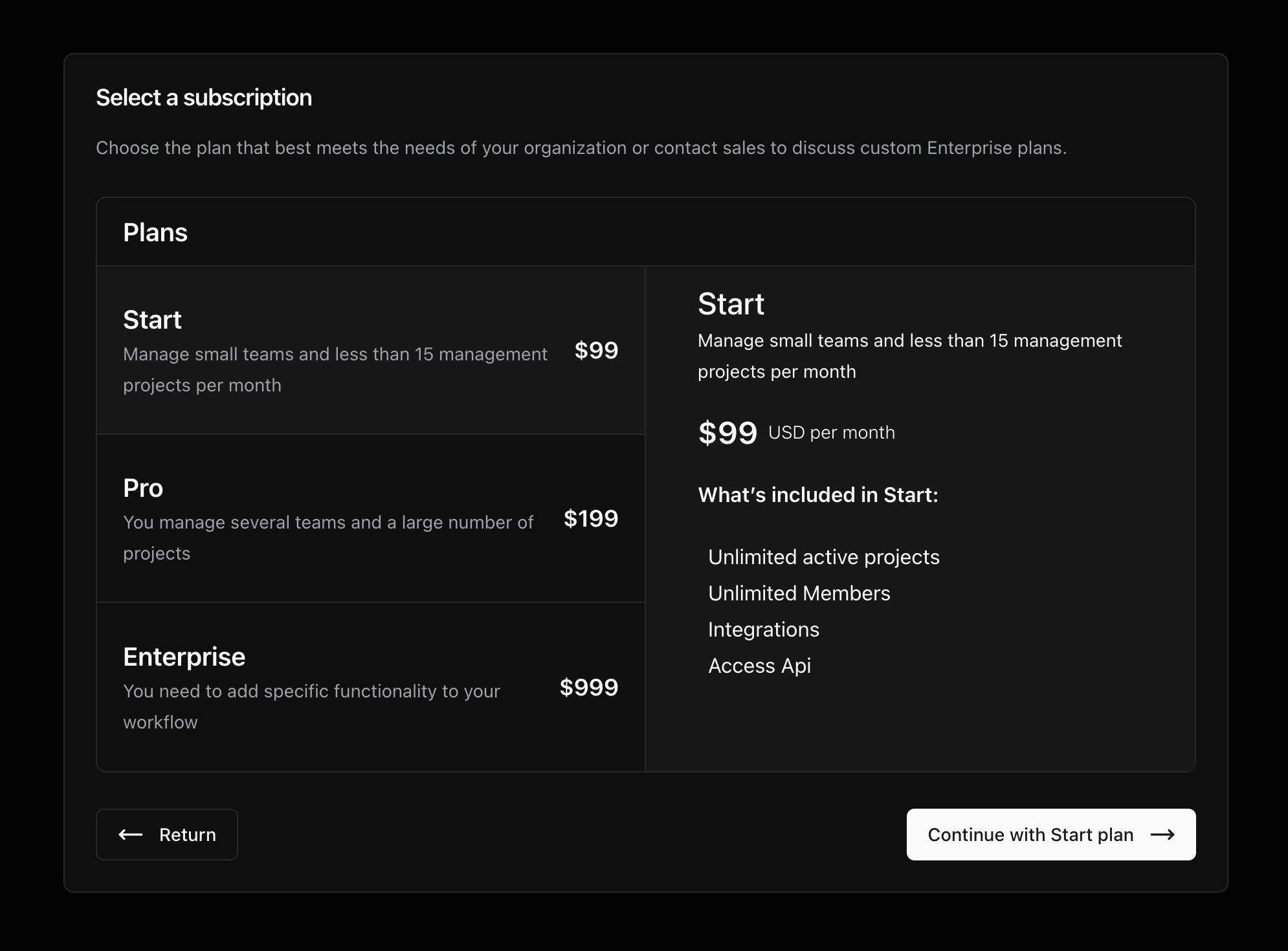
The payment process will be carried out through stripe, a platform specialized in recurring payments.Result
Once the subscription has been successfully completed you will be redirected to your new dashboard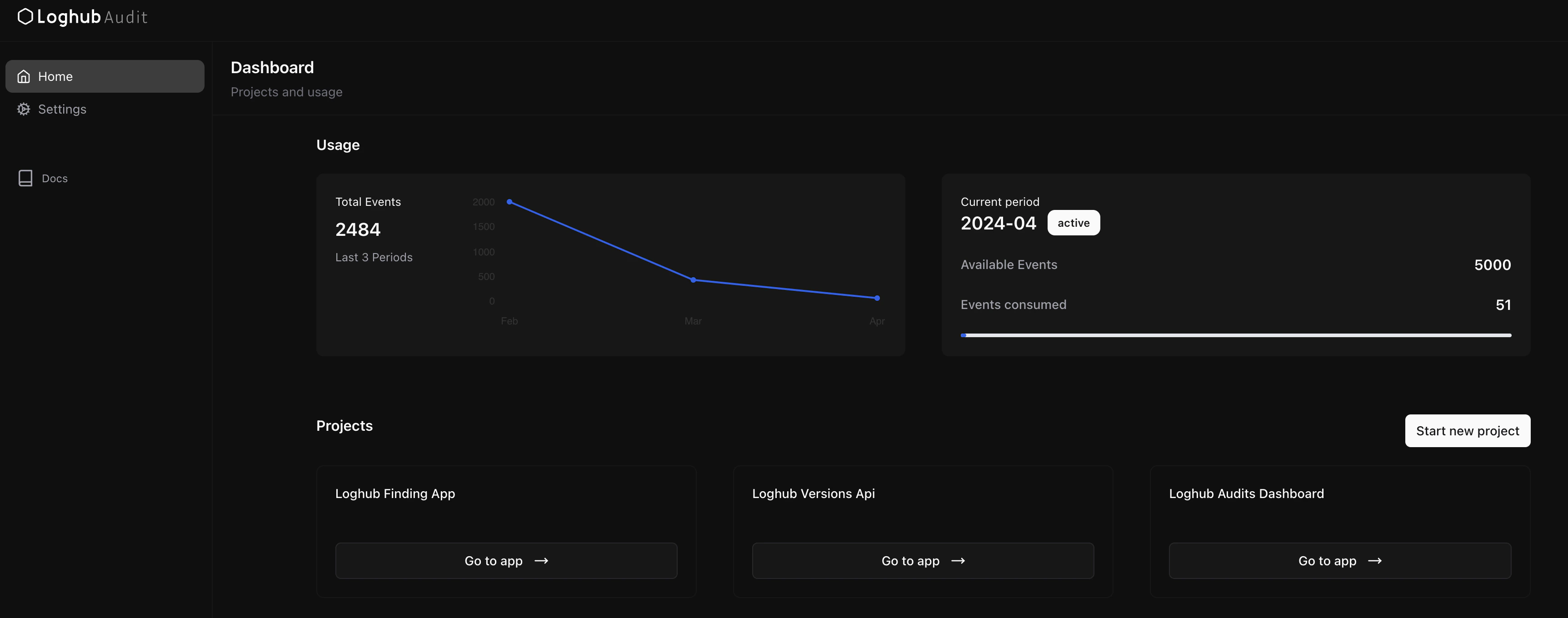
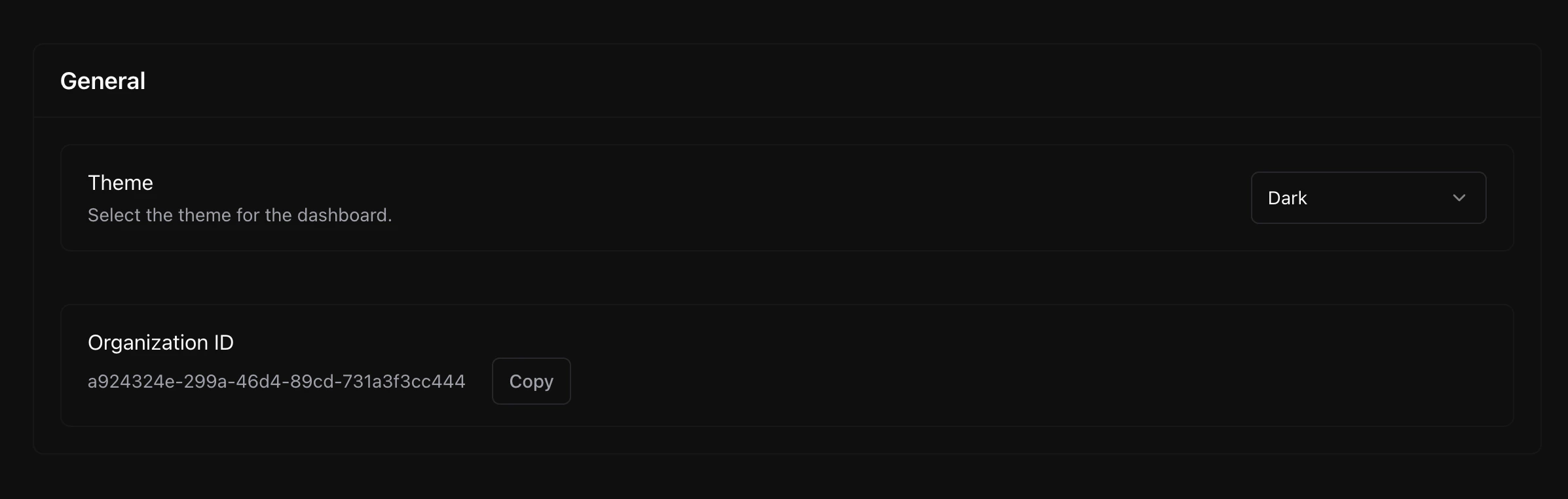
Organization ID
You can find your organization ID from your dashboard -> settings -> general.